The Best Monitors for MacBook Pro and MacBook Air (2026)
Text on a 1440p screen looks soft next to a MacBook’s display. These 4K and 5K monitors keep macOS sharp, and most charge your laptop over one USB-C cable.

Monitors, USB-C hubs, keyboards and everything else for a better laptop or desk setup. Browse: Monitors Docks & Hubs Keyboards Mice Laptops Laptop Stands
 ASUS ProArt PA279CRV 27 Inch 4K UHD USB-C HDR Professional Monitor f…$419.71
 Dell 27 Monitor S2725QC$349.97
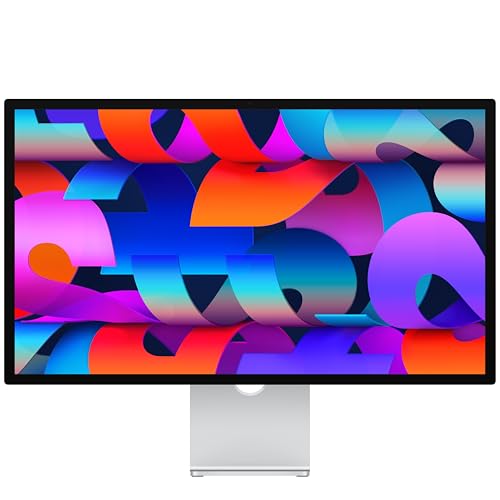 Apple Studio Display: Standard Glass$1,549.99
 LG 27UP850K-W 27-inch UltraFine 4K UHD IPS DisplayHDR 400 Computer M…$349.99
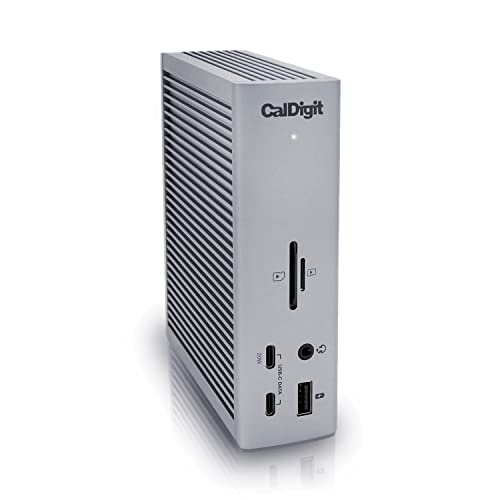 CalDigit TS4 18 Port Thunderbolt 4 Dock$379.99
 Anker USB-C Hub$49.99
 Satechi 7-in-1 USB-C Hub Pro Slim$68.80
 UGREEN USB C Hub 5 in 1 Multiport USB Adapter 4K HDMI$11.98
Text on a 1440p screen looks soft next to a MacBook’s display. These 4K and 5K monitors keep macOS sharp, and most charge your laptop over one USB-C cable.
1440p or 4K? IPS or OLED? 60Hz or 144Hz? This simple guide explains every monitor spec that matters, so you can pick the right screen for work or gaming.
They all use the same oval plug, but USB-C, USB4 and Thunderbolt are very different. Here is what each one means and which you actually need.

The best USB-C hubs for MacBook Air and Pro, from a $12 travel hub to an 18-port Thunderbolt dock, plus display limits and setup tips.